
Connect Your AI Assistant to MSPCFO
Getting Started
What is the MSPCFO MCP server?
MSPCFO has an MCP (Model Context Protocol) server. It lets AI assistants such as Claude, ChatGPT, Cursor and Microsoft 365 Copilot read your MSPCFO reports while you chat.
Ask questions in plain language, such as "Which of my clients had the lowest margin last quarter?", and the assistant reads the answer from MSPCFO live. You don't need to export anything.
How it keeps your data safe
- Read-only. The assistant can read your reports. It can't change anything in MSPCFO.
- Your own permissions. Each person signs in with their own MSPCFO login and sees only the reports that login can already see.
- No API key. You sign in to MSPCFO in a browser window the first time you connect.
The connection settings
You'll need these values for every app in this manual.
| Setting | Value |
|---|---|
| Server name | MSPCFO |
| Server URL | https://app.mspcfo.com/mcp |
| Connection type | HTTP (also called "Streamable HTTP" or "remote") |
| Authentication | OAuth (sign in with your MSPCFO login when asked) |
Quick setup: ask your assistant to do it
Many AI apps can add an MCP server for you, especially coding assistants such as Claude Code, Codex and Cursor.
Paste this prompt into your assistant:
Add a HTTP MCP server named "mspcfo" at https://app.mspcfo.com/mcp to my user-level MCP configuration on this PC. If you cannot configure MCP servers directly, show me where to add it manually.
Sign in to MSPCFO
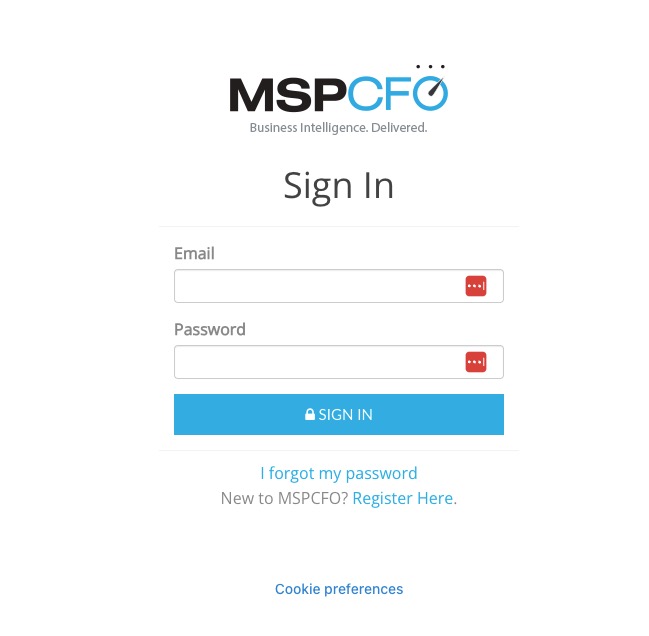
When the assistant first connects, a browser window opens for MSPCFO sign-in. Sign in (including multi-factor authentication if you use it) and approve access.
0 Comments
Add your comment